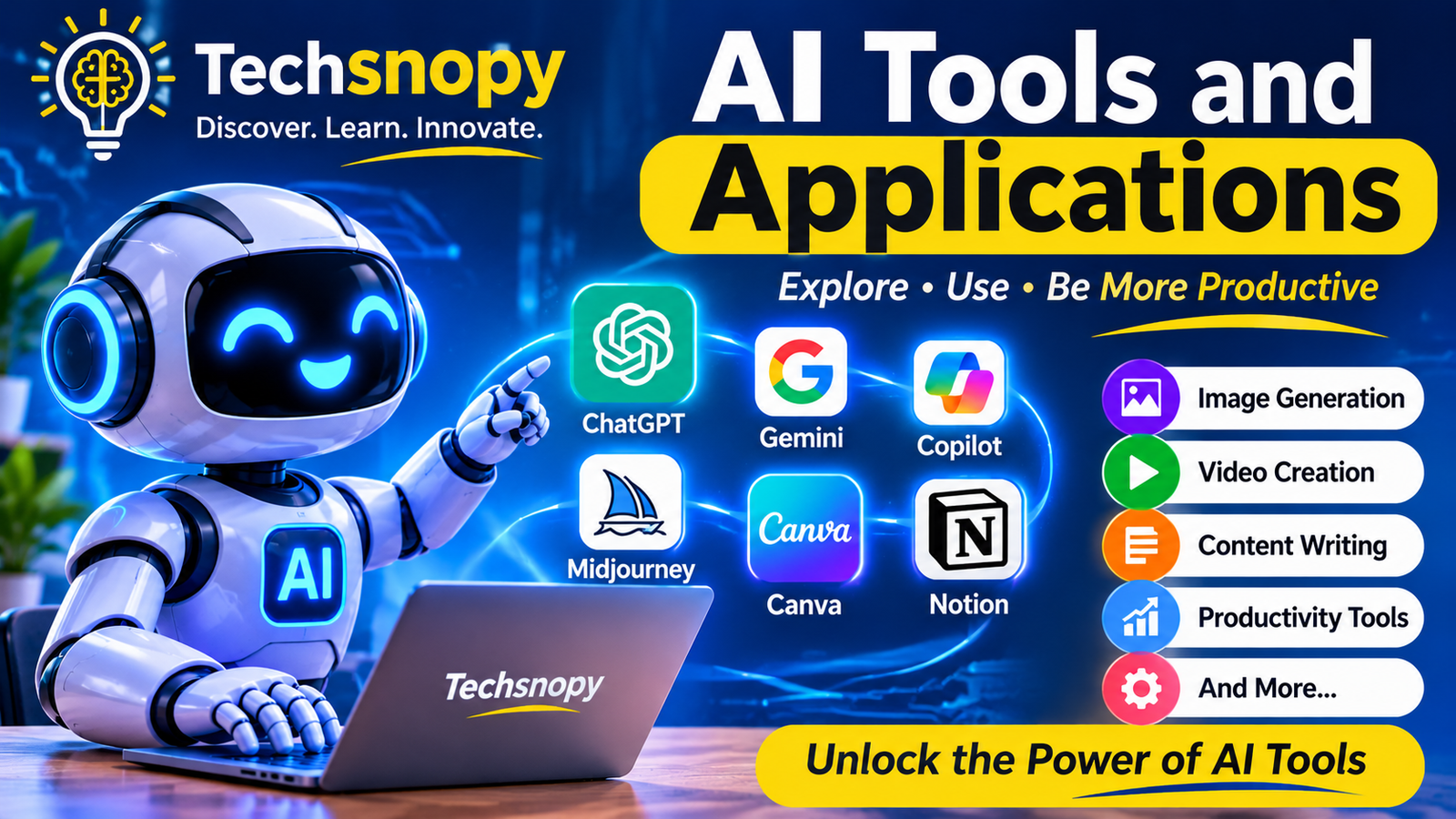
AI Tools and Applications: A Complete Beginner’s Guide
Artificial intelligence tools are becoming an important part of everyday life. They help people write content, create images, conduct research, learn new skills, organize work, and solve problems.
From AI chatbots to image generators and productivity assistants, there are many tools designed for different purposes. Understanding what these tools can do will help you choose the right ones for your needs.
In this guide, Techsnopy explains popular AI tools, their practical applications, benefits, limitations, and tips for using them effectively.
What Are AI Tools?
AI tools are software applications or online platforms that use artificial intelligence to perform tasks, analyze information, generate content, or assist users with different activities.
These tools use technologies such as machine learning, natural language processing, and computer vision to understand information and produce useful results.
Common Tasks Performed by AI Tools
- Writing articles, emails, and summaries.
- Creating images, videos, and presentations.
- Answering questions and explaining complex topics.
- Translating languages and correcting grammar.
- Analyzing data and identifying patterns.
- Helping developers write and understand code.
- Automating repetitive business tasks.
AI tools can save time and support productivity, but their results should always be reviewed by humans.
Popular Types of AI Tools
AI tools are available for many different purposes. Each category helps users complete specific tasks more efficiently.
1. AI Writing Tools
These tools help create articles, emails, social media posts, summaries, and other written content. They can also assist with grammar and editing.
2. AI Image Generation Tools
These tools create images and illustrations from written descriptions. They are useful for designers, content creators, and marketers.
3. AI Video Creation Tools
AI video tools help users generate, edit, and improve videos. Some can turn text prompts or images into video clips.
4. AI Research and Chatbot Tools
These tools answer questions, explain topics, summarize information, and help users explore ideas.
5. AI Productivity Tools
These applications assist with planning, organizing tasks, taking notes, managing meetings, and improving everyday workflows.
6. AI Coding Tools
These tools help developers write code, understand programming concepts, identify errors, and improve software development workflows.
7. AI Design and Presentation Tools
These tools assist with creating graphics, presentations, layouts, and other visual materials.
Popular AI Tools and Their Uses
Many AI tools are available today, each offering different features. Here are some well-known examples and what they can help you do.
1. ChatGPT
ChatGPT can help users answer questions, write content, summarize information, brainstorm ideas, and understand different subjects.
2. Google Gemini
Google Gemini can assist with writing, research, brainstorming, understanding information, and other tasks supported by its features.
3. Microsoft Copilot
Microsoft Copilot helps users with tasks such as writing, research, summarization, and productivity. Its available features depend on the product and subscription.
4. Canva AI
Canva AI offers features that help users create and edit designs, generate visual content, and prepare presentations.
5. Adobe Firefly
Adobe Firefly provides AI-powered creative features for generating and editing images and other visual content.
6. Perplexity AI
Perplexity AI helps users research topics and find information with source references that they can review.
7. GitHub Copilot
GitHub Copilot assists software developers with code suggestions, explanations, and programming tasks.
Tip: Before choosing an AI tool, check its features, pricing, privacy options, and usage limits. Free access and paid features may change over time.
Real-World Applications of AI Tools
AI tools are used across many industries and everyday activities. They help people complete tasks, understand information, and improve their workflows.
1. Education and Learning
Students and teachers can use AI tools to explain difficult topics, create study materials, summarize lessons, and practice new skills.
2. Content Creation
Bloggers, writers, and social media creators can use AI tools to brainstorm ideas, prepare outlines, edit drafts, and create visual content.
3. Business and Marketing
Businesses use AI tools to research markets, draft marketing materials, analyze customer feedback, and support customer service.
4. Healthcare
Healthcare professionals may use AI-powered systems to assist with medical image analysis, research, and administrative tasks. These tools require appropriate professional oversight.
5. Software Development
Developers can use AI coding assistants to generate code suggestions, explain programming concepts, find potential errors, and improve development workflows.
6. Customer Support
AI chatbots can answer common questions, guide customers through basic processes, and provide support outside regular business hours.
7. Personal Productivity
Individuals can use AI tools to organize tasks, draft emails, summarize documents, plan activities, and manage everyday work.
Benefits of Using AI Tools
AI tools offer several advantages when used carefully and appropriately.
1. Saves Time
AI tools can help complete certain repetitive tasks more quickly, giving users more time for other important work.
2. Improves Productivity
They can assist with writing, research, planning, and organizing information.
3. Supports Creativity
AI tools can suggest ideas, generate design concepts, and help users explore different creative approaches.
4. Makes Learning Easier
Beginners can use AI tools to understand unfamiliar topics, practice skills, and get explanations in simple language.
5. Helps Businesses
Businesses can use AI-powered solutions to support customer service, analyze information, and improve selected workflows.
6. Offers Accessibility
Many AI tools provide features such as translation, speech recognition, text-to-speech, and writing assistance that can make digital tasks easier for different users.
Limitations and Risks of AI Tools
Although AI tools are useful, they also have limitations. Understanding these risks helps users make better decisions.
1. Incorrect Information
AI tools can sometimes generate inaccurate or misleading answers. Always verify important information using reliable sources.
2. Privacy Concerns
Some tools process user-provided information. Avoid sharing passwords, financial details, private documents, or sensitive personal data.
3. Paid Features and Usage Limits
Many AI tools offer free plans with limited features. Advanced options may require a subscription or payment.
4. Bias in AI Results
AI systems can reflect biases present in their training data, which may lead to unfair or unbalanced results.
5. Copyright and Ownership Questions
AI-generated content may raise questions about copyright, ownership, and permitted commercial use. Check the relevant tool’s terms before using generated content commercially.
6. Dependence on Technology
Relying too heavily on AI tools can reduce opportunities to practice independent thinking and problem-solving.
How to Choose the Right AI Tool
With so many AI tools available, choosing the right one can feel confusing. The best choice depends on your goals, budget, and the tasks you want to complete.
1. Identify Your Needs
Decide what you want to do. For example, writing, image creation, research, video editing, or coding.
2. Compare Features
Check whether the tool offers the features you actually need. Avoid paying for options you may not use.
3. Check Pricing
Compare free and paid plans. Review subscription costs, usage limits, and cancellation conditions before paying.
4. Review Privacy and Security
Read the privacy policy and understand how the tool handles information you provide.
5. Test the Free Version
If available, try the free version first to understand how the tool works and whether it suits your needs.
6. Check Ease of Use
Choose a tool that is comfortable to use, especially if you are new to artificial intelligence.
7. Verify the Results
Test the tool with a few real tasks and check whether its results are accurate and useful.
Beginner Tip: Start with one AI tool that matches your main goal. Learn its features before trying several different platforms.
Frequently Asked Questions About AI Tools
1. What are AI tools used for?
AI tools help users perform tasks such as writing, research, image creation, video editing, coding, translation, and data analysis.
2. Which AI tools are best for beginners?
ChatGPT, Google Gemini, Microsoft Copilot, and Canva AI are examples of tools beginners can explore. The best choice depends on the task.
3. Are AI tools free to use?
Some AI tools offer free plans, while others charge for advanced features, additional usage, or professional services.
4. Can AI tools help with blogging?
Yes. They can assist with topic research, article outlines, editing, brainstorming, and creating visual ideas. Bloggers should review and improve AI-assisted content before publishing.
5. Are AI tools always accurate?
No. AI tools can make mistakes or provide outdated information. Check important facts using trustworthy sources.
6. Can AI tools replace human workers?
AI can automate or support certain tasks, but its impact varies by job and industry. Human judgment, creativity, and expertise remain important.
7. How can I choose a safe AI tool?
Review its privacy policy, security features, pricing, and terms of use. Avoid entering sensitive personal or business information.
Conclusion
AI tools are changing how people learn, work, create content, and solve everyday problems. From writing assistants and image generators to research platforms and coding tools, there are many ways artificial intelligence can support different activities.
However, choosing the right tool requires understanding your needs, checking its features, and considering privacy, pricing, and accuracy. Always review AI-generated results instead of relying on them without verification.
At Techsnopy, we aim to make artificial intelligence easier to understand through practical guides and useful technology information. Keep exploring our AI resources to discover how these tools can support your learning, creativity, and productivity.